Database engineering

SQL Server

Performance, troubleshooting and scale for production databases.

Practical SQL Server guidance for indexing, query tuning, blocking, execution plans, diagnostics and large-scale workloads.

Choose your starting point

Start here

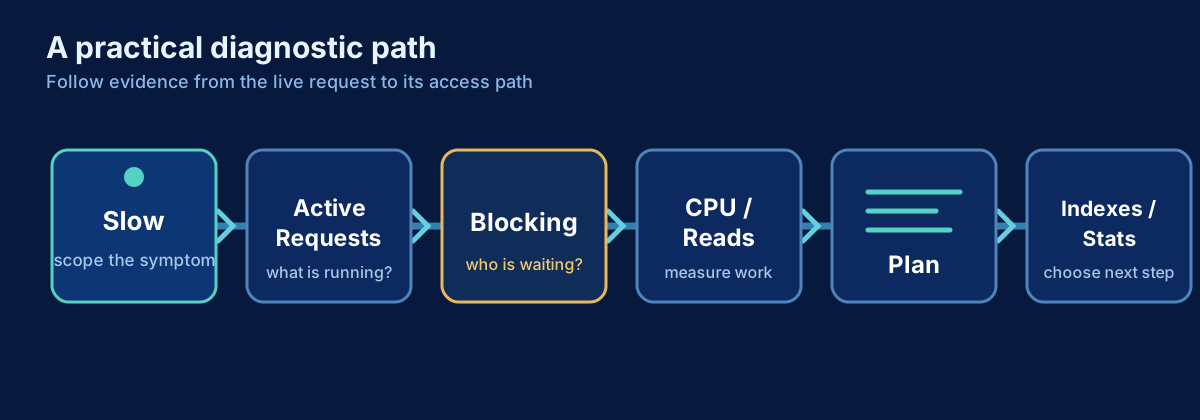
Start with the evidence-first workflow, then follow the dedicated performance path below.

Performance & Tuning

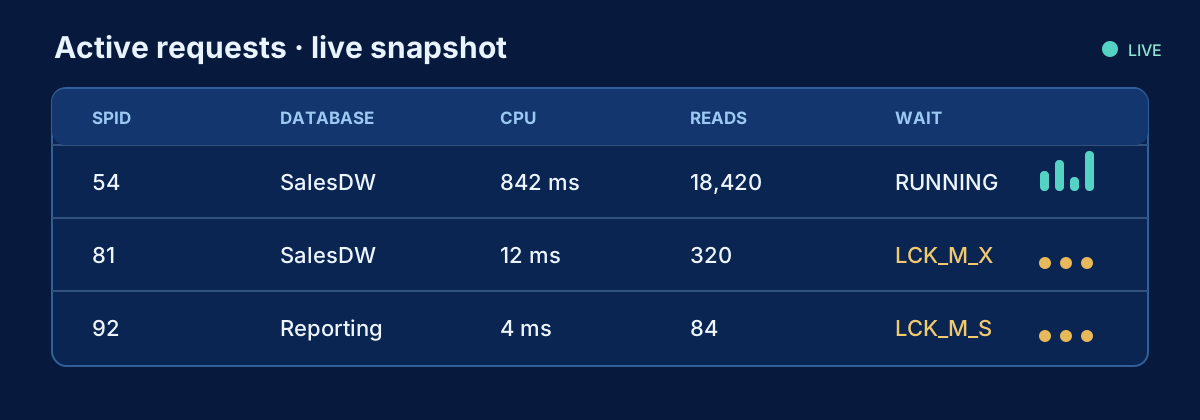
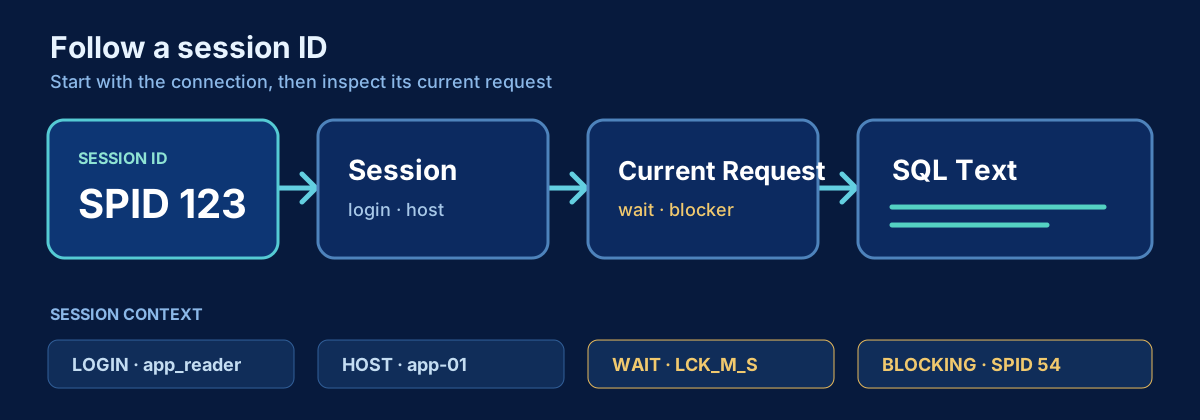
Move from the live request to its session and blockers, then use history and monitoring before applying the operational checklist.

Query tuning

Troubleshooting

Indexing & storage

Platform & Upgrades

Compare supported engine and management-tool generations before planning the next platform move, including the move to Microsoft Fabric.

View all SQL Server articles →

Cheat sheets

Browse all →
  • SQL ServerIndexingIntermediate

    Check Index Usage

    Review SQL Server index read and write activity, identify low-value indexes, and decide what deserves deeper analysis before any index is removed.

  • SQL ServerStorage & CapacityIntermediate

    Check SQL Server Table Sizes

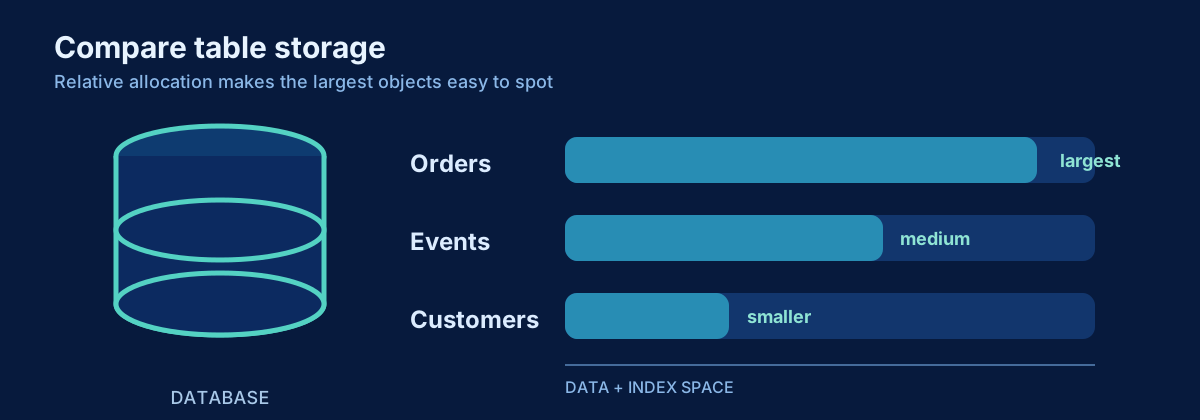
    Measure SQL Server table row counts and storage usage, separate data from index space, and identify which tables are driving database growth.

  • SQL ServerTroubleshootingIntermediate

    Find Blocking in SQL Server

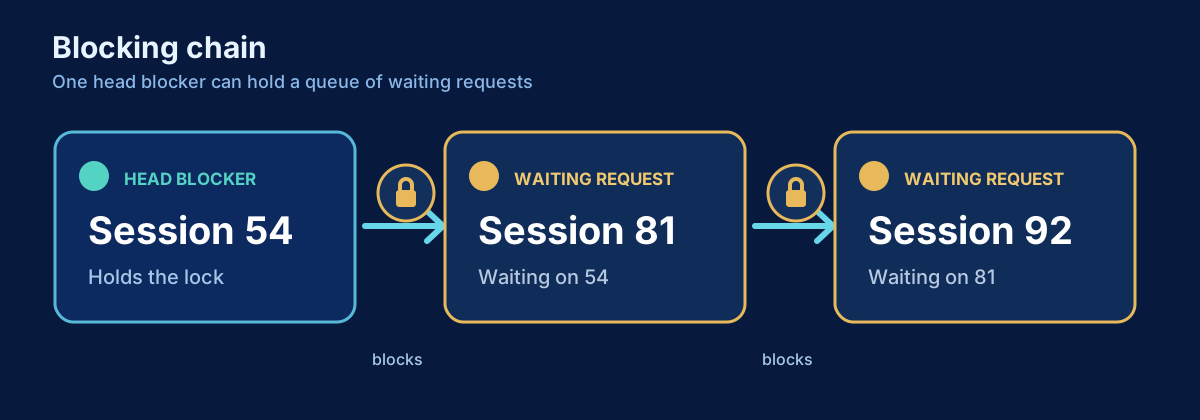
    Identify blocked sessions, blockers, lock waits, and the head blocker so you can troubleshoot SQL Server blocking without killing the wrong session.

  • SQL ServerPerformanceIntermediate

    Find High CPU Queries

    Identify SQL Server queries consuming the most CPU now and historically, distinguish total CPU from CPU per execution, and choose the right next tuning step.

  • SQL ServerPerformanceIntermediate

    Find High Read Queries

    Identify SQL Server queries performing the most logical and physical reads, separate read-heavy workload from CPU-heavy workload, and choose the right next tuning step.

  • SQL ServerPerformanceIntermediate

    Find Long-Running Queries

    Identify long-running SQL Server requests and historical slow queries, separate elapsed time from CPU time, and determine whether the delay comes from waits, blocking, reads, or plan regression.