Beginner path

SQL Server Foundations

Learn SQL Server from the beginning

Learn how to connect to SQL Server, navigate databases in SQL Server Management Studio, write your first queries, understand SELECT, filter and sort data, work with joins and aggregates, and build the foundation needed for real-world SQL Server work.

A step-by-step T-SQL path with SSMS: connecting, Object Explorer, SELECT, WHERE, ORDER BY, NULL, joins, GROUP BY and safe INSERT, UPDATE and DELETE, all on one small practice database.

For analysts, developers, data engineers and anyone who has to query SQL Server and is starting from little or nothing.

Already working with SQL Server in production? Explore SQL Server Performance & Tuning →

SQL Server Foundations progress

No account required. Progress is saved in this browser. Mark lessons complete as you go.

Loading progress

Complete all 25 lessons to unlock your printable Certificate of Completion.

The full path

From your first connection to production-ready SQL

Twenty-five lessons in six stages. Available lessons link to the article; upcoming lessons are listed so you can see where the path goes, and are published in this order.

25 of 25 lessons available

  1. Stage 1

    Getting Started

    Connect with SSMS, find your way around a server and run a first query.

    1. How to Connect to SQL Server with SSMSAvailable
    2. How to Find and Navigate a Database in SQL Server Management StudioAvailable
    3. Your First SELECT Query in SQL ServerAvailable
  2. Stage 2

    Reading Data

    How a SELECT statement is built and evaluated, then filtering, sorting and NULL.

    1. Understanding the Parts of a SELECT Statement in SQL ServerAvailable
    2. SQL Query Order: Written Order vs Logical Processing OrderAvailable
    3. Filtering Data with WHERE in SQL ServerAvailable
    4. Sorting Data with ORDER BY in SQL ServerAvailable
    5. Understanding NULL in SQL ServerAvailable
  3. Stage 3

    Combining Data

    Bring related tables together with joins, and understand the rows they return.

    1. SQL JOINs Explained in SQL ServerAvailable
    2. INNER JOIN vs LEFT JOIN in SQL ServerAvailable
    3. Why SQL JOINs Create Duplicate RowsAvailable
    4. Using Table and Column Aliases in SQL ServerAvailable
  4. Stage 4

    Summarizing Data

    Count, total and average rows, group them, and filter the groups.

    1. Aggregate Functions in SQL Server: COUNT, SUM, AVG, MIN, and MAXAvailable
    2. GROUP BY Explained in SQL ServerAvailable
    3. WHERE vs HAVING in SQL ServerAvailable
  5. Stage 5

    Changing Data Safely

    Insert, update and delete rows, and the habits that keep those changes safe.

    1. INSERT Basics in SQL ServerAvailable
    2. UPDATE Basics in SQL ServerAvailable
    3. DELETE Basics in SQL ServerAvailable
    4. Safe UPDATE and DELETE Practices in SQL ServerAvailable
  6. Stage 6

    Going Further

    The database objects and habits that lead toward production SQL Server work.

    1. Common SQL Beginner Mistakes and How to Avoid ThemAvailable
    2. Views in SQL Server: A Beginner IntroductionAvailable
    3. Stored Procedures in SQL Server: A Beginner IntroductionAvailable
    4. Primary Keys and Foreign Keys in SQL ServerAvailable
    5. Indexes in SQL Server: A Beginner IntroductionAvailable
    6. From SQL Basics to SQL Server Performance TuningAvailable

After the foundations

Ready for production SQL Server?

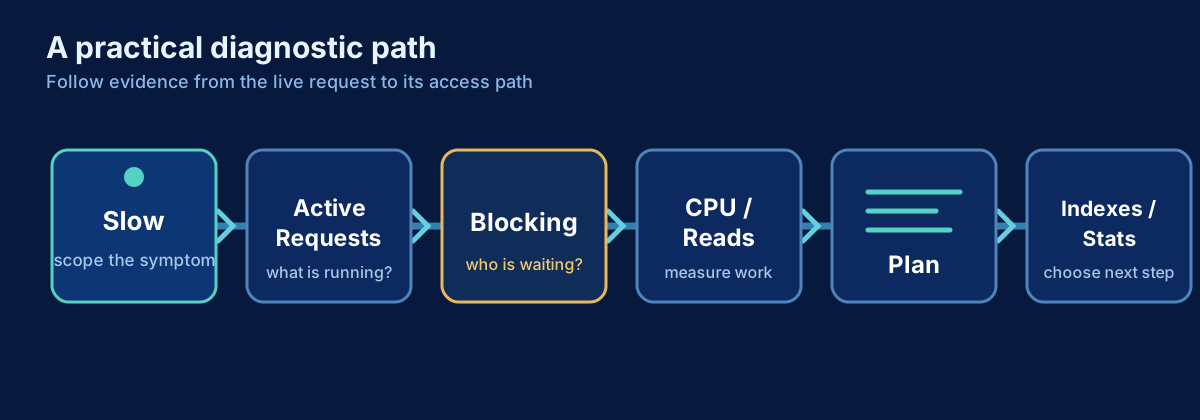
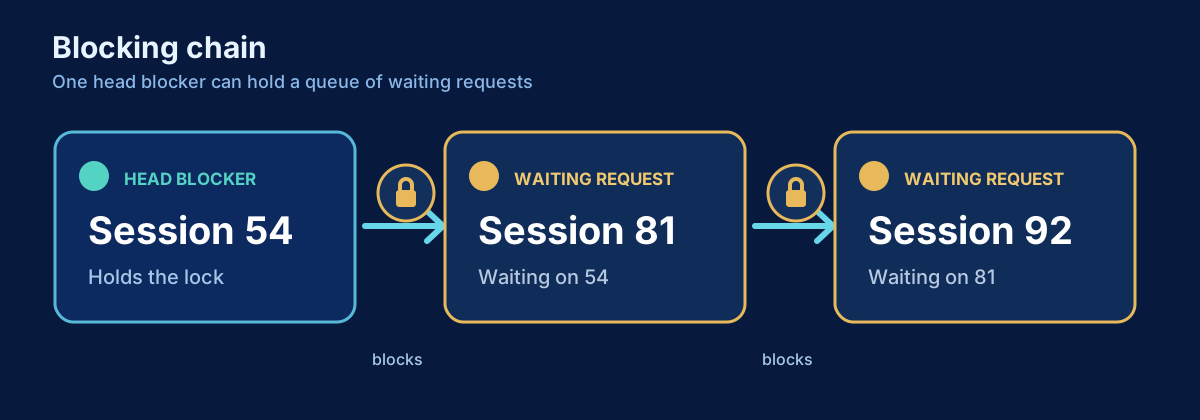
The same SQL Server, under real load: a tuning workflow, troubleshooting a slow server, Query Store, blocking and monitoring.