Checklist DevOps & Observability
Fabric CI/CD Deployment Checklist
What to check before, during and after promoting Microsoft Fabric items from Git to Test and Production.
- Type
- Checklist
- Level
- Intermediate
- Format
- Printable
In short
A deployment is repeatable when Git holds the code, configuration holds the environment differences, and every release is verified and recorded. Use this list for each promotion to Test or Production.
Who it is for
- Data engineers promoting notebooks, pipelines and Warehouses between workspaces
- Platform engineers building a Fabric release process
What it helps you do
- Catch environment and dependency problems before they reach Production
- Promote the same versioned artifacts to every environment
- Prove a deployment worked, and know what is running
On this page
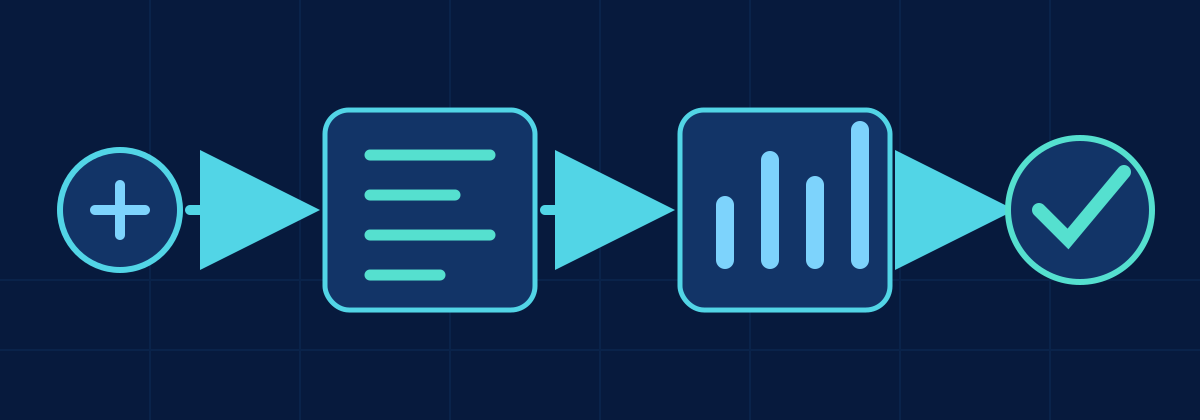
- GitReviewed, merged change
- BuildVersioned artifacts
- TestDeploy and verify
- ProductionSame artifacts, prod config
- RecordVersion and results
Before deployment
- Git is clean: everything to deploy is committed and merged; nothing exists only in a workspace.
- Branch reviewed: the change went through a pull request, and the reviewer knows what it touches.
- Environment configuration externalized: connections, paths and IDs come from variable libraries, parameters or deployment settings, not from notebook code.
- Dependencies checked: new Lakehouses, tables, shortcuts, connections or libraries exist in the target environment, or are part of this deployment.
- Workspace references checked: no hard-coded Dev workspace or Lakehouse IDs, default Lakehouse bindings or ABFS paths remain.
- Secrets and configuration validated: secrets live in a vault or connection, never in code; target values are set for every environment.
- Order known: items that depend on others (Warehouse schema before views, Lakehouse before notebooks) deploy in the right order.
Deploy
- Promote versioned artifacts: deploy the commit or build that passed Test, not a fresh export from Dev.
- Use the pipeline, not the portal: deployment pipelines,
fabric-cicd, SQL database projects or your own tooling, the same way every time. - Validate the deployment: the run reports success for every item, and failures stop the release instead of continuing partially.
- Review destructive changes: for Warehouses, read the schema diff before it runs.
- Avoid manual Production edits: any hotfix goes back through Git, or it will be overwritten by the next release.
After deployment
- Run smoke tests: a small, known run that proves the main path works.
- Verify notebooks and pipelines: they run in the target workspace and read and write the target Lakehouse, not Dev.
- Verify SQL and Warehouse dependencies: views, procedures and semantic models resolve against the new schema.
- Check logging: runs appear in your logs and monitoring with the expected environment name.
- Check failures: review failed activities and alerts for the first scheduled runs.
- Record the deployed version: commit or build ID, date, who approved it, and the result of the checks.
Go deeper: related articles
DevOps & Observability
Designing an Execution Log for Data Pipelines
Design a durable pipeline execution log with run identity, parent-child relationships, transitions, retries and correlation.
DevOps & Observability
Monitoring Microsoft Fabric Pipelines and Notebooks
Separate Fabric orchestration, session startup, Spark compute, data read, shuffle and write time with connected telemetry.
Planned articles on these topics
Build it: related projects
Related talks
From Notebook to Production: Git and CI/CD in Microsoft Fabric
How a Fabric notebook or pipeline gets from a developer's workspace to production safely: Git integration, dev/test/prod workspaces, deployments, environment configuration and release practices.
Formats: Talk · Workshop · Webinar · Internal session
Designing Microsoft Fabric for Scale
The architecture decisions that decide whether a Fabric platform stays manageable as data, teams and workloads grow: workload boundaries, Lakehouse vs Warehouse, Medallion layers, capacity, Git and observability.
Formats: Talk · Webinar · Workshop · Internal session